I’ve always enjoyed the details of other people’s setups. Here’s mine.
Hardware
MacBook Pro M1: Purchased in late 2022. My go-to for personal projects and daily computing. It has served me pretty well.
iPad Mini: I don’t need this much anymore. It’s basically a more portable way to access the same stuff I use on my MacBook. I bought it before getting the M1.
Kindle: As an avid reader, e-ink devices have completely transformed my relationship with books.
Boox Note Air 5c: My paper replacement, great for reading articles and technical books. The full Android system lets me run any Android app, browse the web, and more.
Keyboard: Dealing with Repetitive Strain
I’ve had significant hand pain from extensive computer use. As a result, I’ve become an enthusiastic user of the Glove80. This keyboard, combined with daily stretching, has solved my pain problems. There’s much more on the Glove80 website, but the theory behind the angled wrist rests and sculpted key wells has worked phenomenally for me.
Homelab
I’ve built several automation systems to make my daily life easier, all running on my homelab. I have a couple of old laptops repurposed as Linux servers. Everything runs in Docker containers, which makes unreliable hardware easy to deal with.
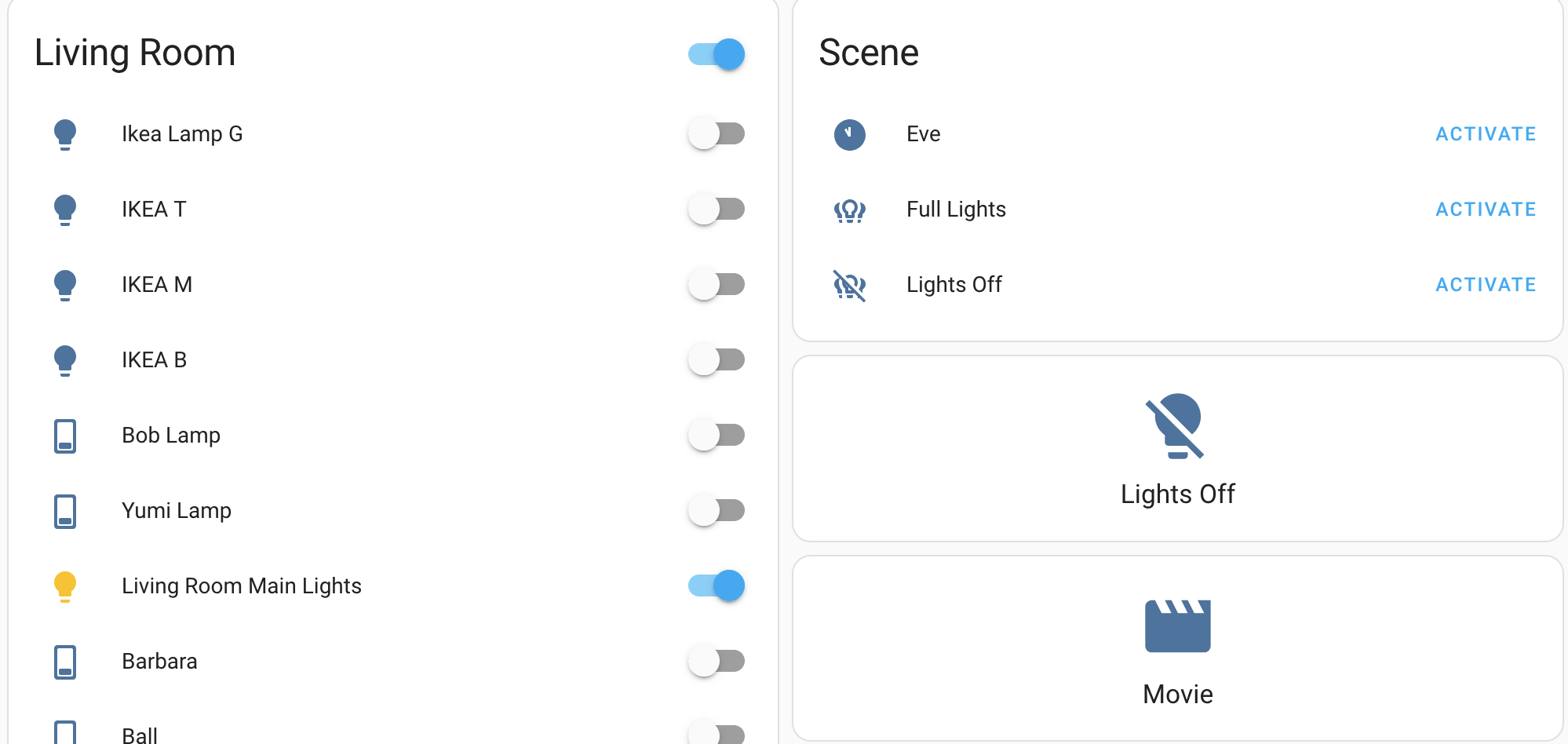
Home Assistant is the central hub for many things in the house:
- Every light switch is controlled through Home Assistant, via Z-Wave and Zigbee.
- A Lutron hub enables remote control of some of the built-in lights.
- It handles the data parsing for an ESP32-based environmental monitoring project I built.
My dashboard:
Mac Apps
Dev Tools
Terminal: iTerm2. With hooks and tmux integration it’s a solid dev environment. I have hooks set up to send a notification whenever Claude or Q gets stuck.
Editor: Some combination of a fork of Visual Studio Code and Emacs.
General Apps
Cleanup: Mole. An open source terminal app I just discovered. Works great, though it has some display issues with iTerm.
Window Management: AeroSpace. A tiling window manager that works well. Organizing windows on macOS is always a pain, and I find this usable with just the defaults.
Calibre: Open source ebook management. I’ve made some small contributions to its documentation and bug reports. I use it daily to download news into EPUB and AMZN formats, which I can read on either the Kindle or the Boox.